
A practical data model for a window schedule
How to keep opening data, product choices, unknowns, and revisions clear before quotation
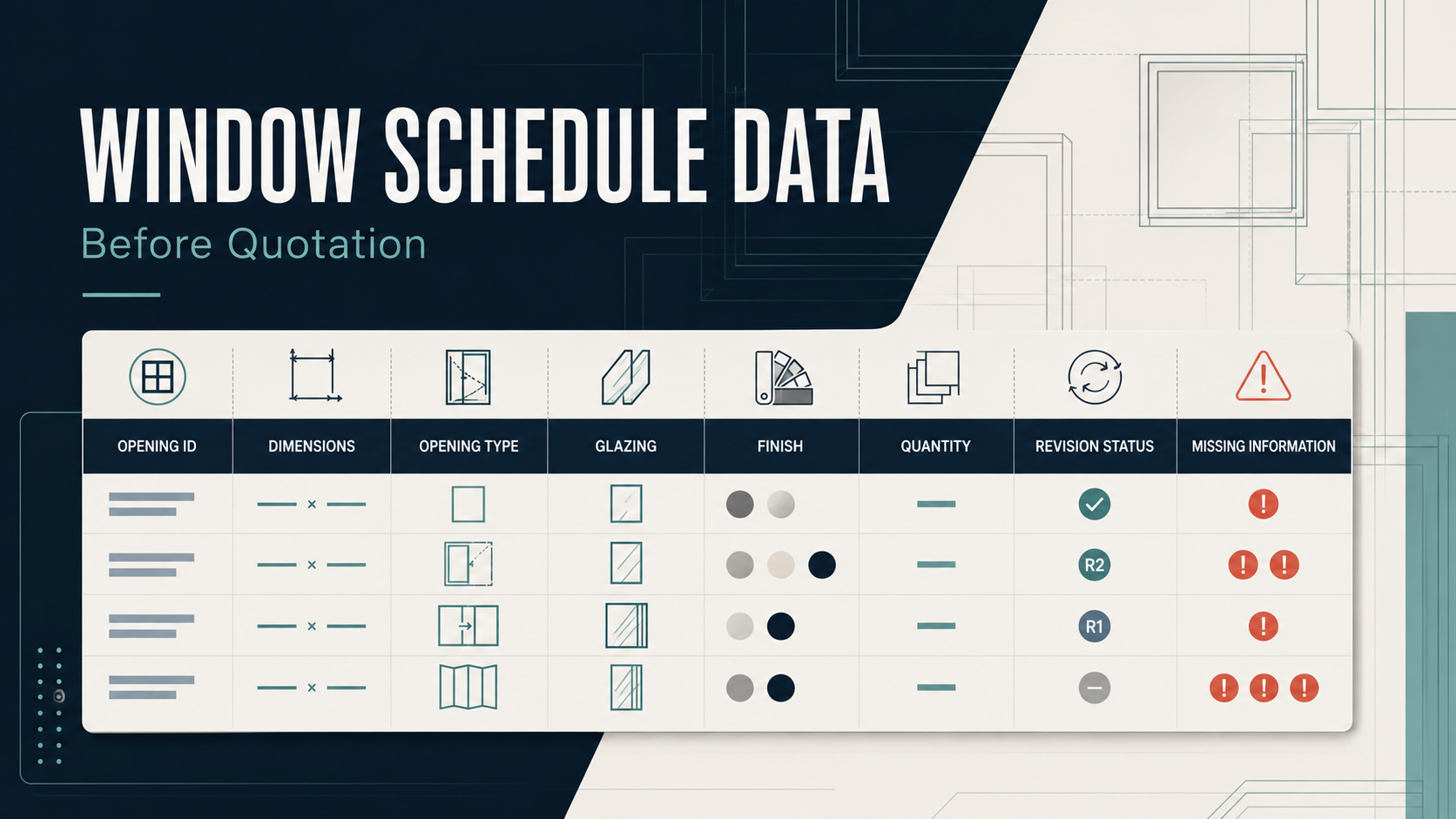
A window schedule often starts as a spreadsheet. It may later support design review, quotation, drawing coordination, and manufacturing checks. Problems appear when one cell tries to hold a dimension, a product choice, a note, and an assumption at the same time.
A small data model makes those differences visible. The goal is not to replace drawings or professional review. It is to give each opening a stable identity and a clear record of what is known, what is still open, and which revision supplied the value.
Give every opening a stable ID
Names such as "living room window" are easy to read but unreliable as identifiers. Rooms can contain several openings, and room names can change. Use a short project ID plus a unique opening tag.
{
  "project_id": "P-001",
  "opening_id": "W-101",
  "level": "L01",
  "room": "Living room"
}
Keep opening_id stable through later revisions. If an opening is deleted, mark its status instead of reusing the tag for another item.
Store dimensions as numbers with units
Do not put 1500 x 2100 mm approx. in one text field. Separate the numbers, unit, dimension basis, and verification status.
{
  "width": 1500,
  "height": 2100,
  "unit": "mm",
  "dimension_basis": "rough_opening",
  "measurement_status": "preliminary"
}
This structure answers four different questions:
- What values were recorded?
- Which unit do they use?
- Do they describe the rough opening, finished opening, or frame size?
- Are they preliminary or checked?
The model should require the unit and dimension basis whenever width or height is present. Conversions can then happen in one place instead of inside each spreadsheet cell.
Keep product configuration explicit
Product type, panel arrangement, and opening direction should be separate fields. A compact example might look like this:
{
  "product_family": "lift_and_slide_door",
  "panel_count": 2,
  "operable_panels": 1,
  "handing": null,
  "configuration_status": "partly_confirmed"
}
null has a useful meaning here. It says that handing has not been confirmed. It does not mean left, right, or not applicable. If a field truly does not apply, use a separate value such as not_applicable or a rule that omits the field for that product family.
The list of allowed product families should be short and controlled. A public product catalogue can help define readable names. For example, the YULUX product pages group product types such as casement windows, lift and slide doors, and sunrooms. A project data model can use its own neutral internal codes while keeping the display labels understandable to buyers and reviewers.
Separate requirements from selected components
A request such as "better sound insulation" is a requirement. A specific glass build-up is a selected component. Storing both in one field makes it hard to tell whether the selection has been reviewed.
{
  "glazing_requirements": {
    "safety": "pending_local_review",
    "acoustic_target": null,
    "solar_control": "requested"
  },
  "glazing_selection": {
    "build_up": null,
    "coating": null,
    "selection_status": "open"
  }
}
The same pattern works for hardware, finish, screens, sill details, and other accessories. Record the requirement first, then the selected item and its status.
Model unknowns instead of hiding them in notes
Free-form notes are still useful, but they should not be the only place where an open decision appears. Give each unresolved item a field, status, owner, and optional due date.
{
  "open_items": [
    {
      "field": "handing",
      "status": "pending",
      "owner_role": "design_team",
      "question": "Confirm handing from the interior view"
    },
    {
      "field": "finish.external_colour",
      "status": "pending",
      "owner_role": "buyer",
      "question": "Confirm the external colour reference"
    }
  ]
}
An open item can be resolved, deferred, or rejected. Keep the old item in the record with its resolution instead of deleting it.
Treat revisions as events
Overwriting a value removes the reason for the change. Store a revision event with the source and time, then calculate the current value from the latest accepted event.
{
  "revision": "R03",
  "changed_at": "2026-09-04T02:00:00Z",
  "source": "architectural_schedule",
  "changes": [
    {
      "opening_id": "W-101",
      "field": "height",
      "old_value": 2100,
      "new_value": 2200
    }
  ]
}
The timestamp above is only an example. In a real project, use the actual time, source file, revision label, and person or system that recorded the change.
Add validation at the boundary
Validation should run when data enters the schedule, not only when a quotation is prepared. Useful checks include:
opening_idis unique within the project.- Width and height are positive numbers.
- Unit and dimension basis are present with every dimension.
- The product family comes from an allowed list.
- Handing is required only for configurations where it applies.
- A confirmed selection has no unresolved required fields.
- Every change carries a revision source.
Avoid validation rules that pretend to make engineering decisions. Size limits, glass requirements, structural conditions, fire requirements, and local regulations depend on the selected system and project. The data model should capture the required review and its outcome, not guess the answer.
A compact opening record
Putting the pieces together gives one record that can be exported to a spreadsheet, JSON file, database, or API.
{
  "project_id": "P-001",
  "opening_id": "W-101",
  "location": {
    "level": "L01",
    "room": "Living room"
  },
  "dimensions": {
    "width": 1500,
    "height": 2200,
    "unit": "mm",
    "basis": "rough_opening",
    "status": "preliminary"
  },
  "configuration": {
    "product_family": "lift_and_slide_door",
    "panel_count": 2,
    "operable_panels": 1,
    "handing": null,
    "status": "partly_confirmed"
  },
  "finish": {
    "internal_colour": null,
    "external_colour": null,
    "status": "open"
  },
  "open_items": [
    {
      "field": "configuration.handing",
      "status": "pending",
      "owner_role": "design_team"
    }
  ],
  "source_revision": "R03"
}
The structure is deliberately plain. A buyer can read it, a designer can review it, and software can validate it without parsing long notes. Before requesting a detailed quotation, export the current schedule together with the drawings, opening photos, destination, and the list of unresolved items.